
Know what your home network did all year.
CF Network Dashboard is a free dashboard for OpenWrt routers. Plus keeps the history and tells you when something changes: a new device, a reboot, the internet link going down.
What the free dashboard looks like
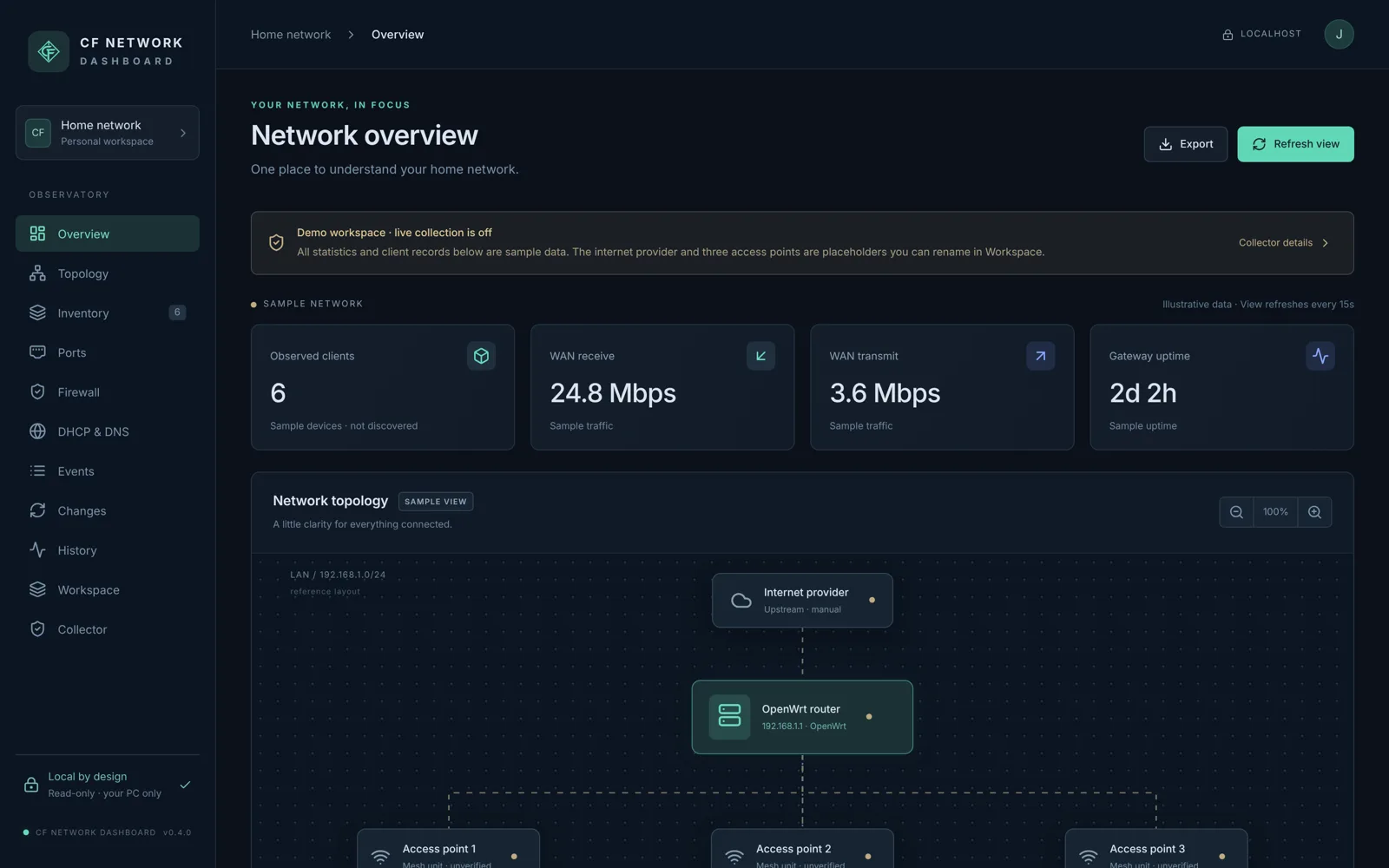
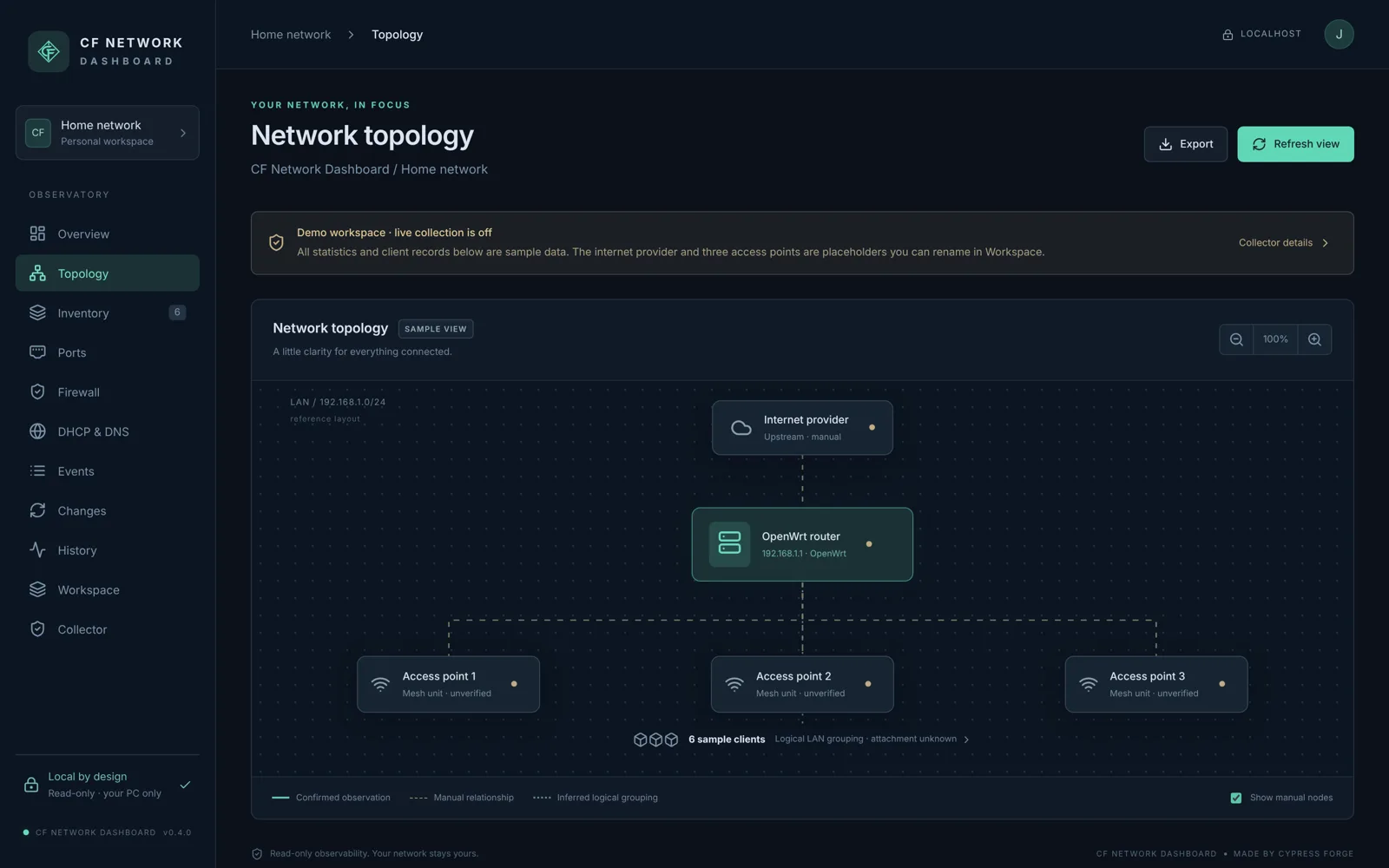
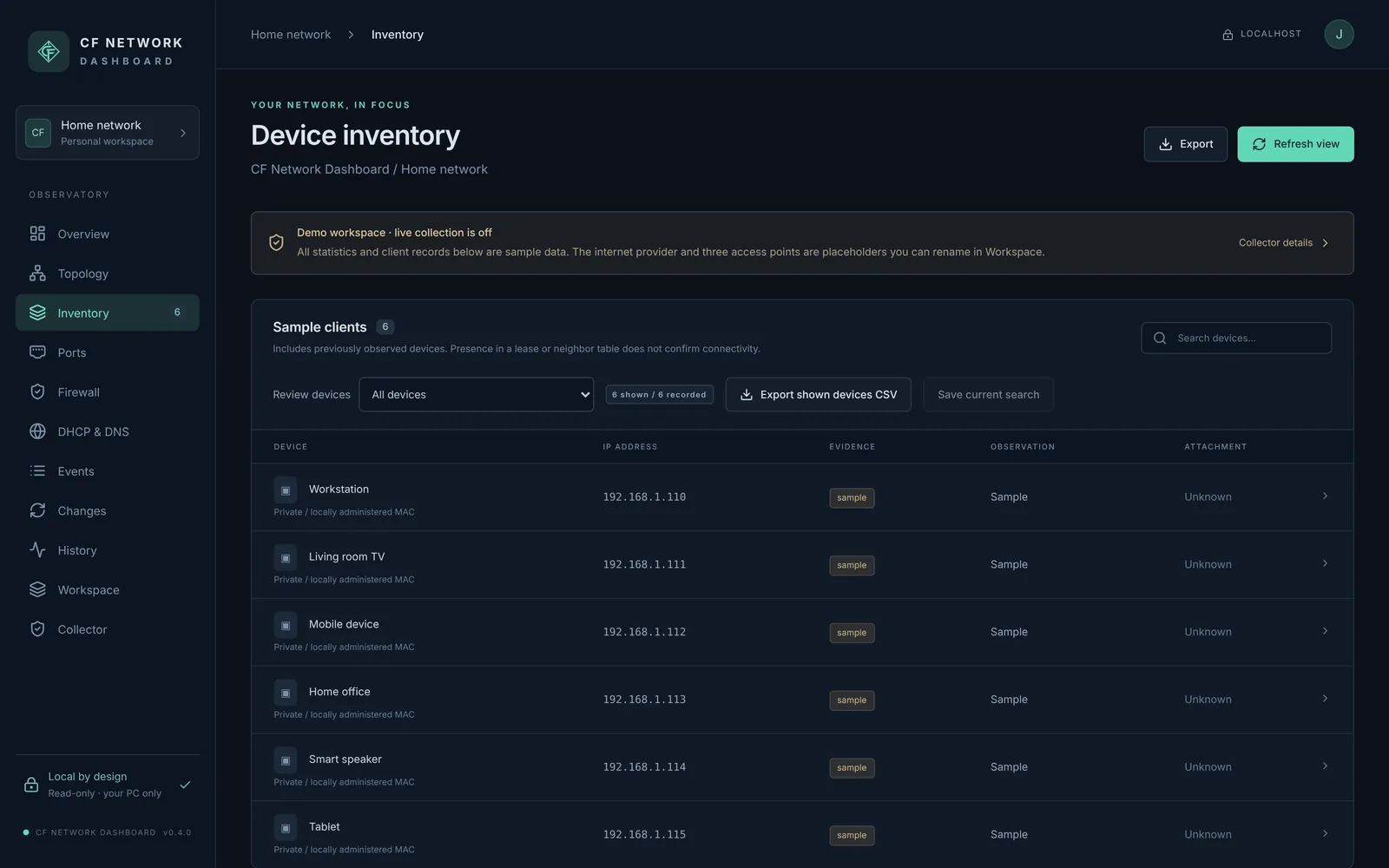
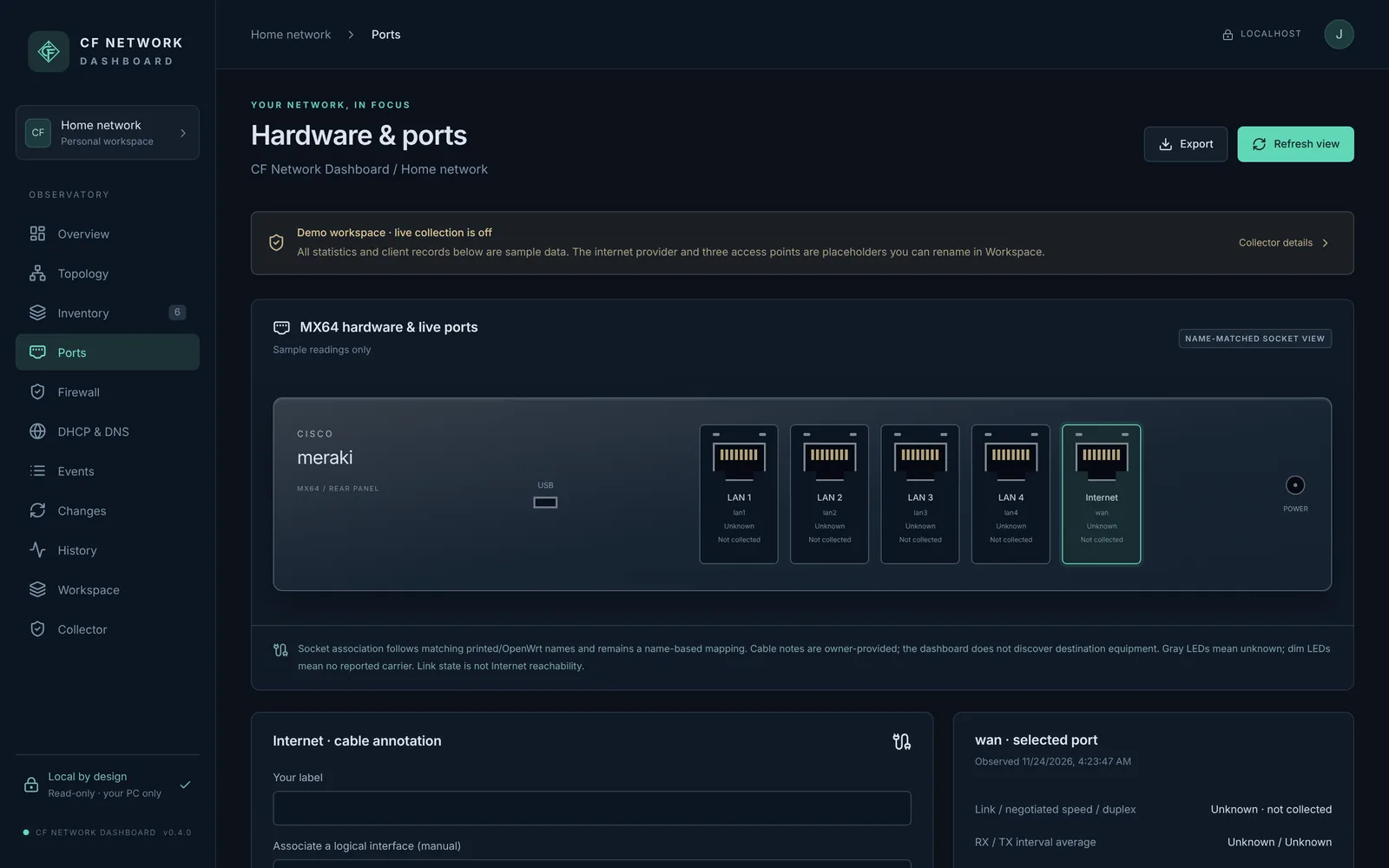
Sample data. Screenshots are from the dashboard's built-in demo mode, not a real network.
Free dashboard
Free and open source (MIT)
- Live router status, connected devices and switch ports
- Firewall rules and DHCP/DNS settings, as the router reports them
- The last 7 days of history
- Runs on your own Windows or Linux PC, reading your router over SSH
Version 0.4.0. Setup takes one script (PowerShell on Windows, shell on Linux); connecting your router takes another.
CF Dashboard Plus
$29 once. Includes every 0.x and 1.x update. No subscription.
- Months to years of history: internet traffic, connected devices, reboots and outages per week
- How long each device was on your network, day by day
- Alerts on your phone (through ntfy), by email or as a desktop notification on Windows or Linux
- Quiet hours, and alerts that wait for your internet to come back instead of getting lost
- Your choice of accent colour for the dashboard: teal, blue, purple, amber or graphite
Secure checkout by Polar, which handles payment and sales tax. Download right after purchase; your license is emailed within 24 hours. 14-day refunds, no questions asked.
What Plus alerts you about
- Router rebooted
- Collection keeps failing (the dashboard cannot read your router)
- A new device joins your network
- A device you watch is absent from the router’s records
- Firewall or DHCP settings changed
- Internet traffic stays above a level you choose
- Your internet link goes down, and comes back (with how long it was out)
Each alert can be switched on or off and sent to the channels you choose.
Private and read-only
- Everything runs on your own computer. There is no account and no cloud service.
- It reads your router’s records and never changes your router’s settings.
- No telemetry. Your Plus license is checked offline.
- Alert text goes only to the ntfy server or mail server you set up.
What you need
- An OpenWrt router you can reach over SSH
- A Windows 10/11 or Linux PC on the same network
- For Plus: the free dashboard, installed and running
Questions people ask
Will it change anything on my router?
No. The dashboard reads your router’s records over SSH and never changes its settings.
Which routers does it work with?
Routers running OpenWrt that you can reach over SSH. You also need a Windows 10/11 or Linux PC on the same network to run the dashboard.
Does my data go anywhere?
No. Everything runs on your own computer, with no account, no cloud service and no telemetry. If you turn on Plus alerts, the alert text goes only to the ntfy server or mail server you set up.
Is Plus a subscription?
No. Plus is $29 once, and that includes every 0.x and 1.x update.
What happens after I pay?
Checkout is handled by Polar. You can download Plus right after purchase, and your license is emailed within 24 hours. The license is checked offline, on your own computer.
Can I try it before I buy?
Yes. The free dashboard is the same app Plus builds on, with live status and the last 7 days of history. Install it first, and add Plus when you want the longer history and alerts.
Can I get a refund?
Yes, within 14 days, no questions asked. See the refund policy for details.
Who do I contact for help?
Email support@cypressforge.dev. You get an answer from the person who builds it.
Support
Questions, a lost license or a refund: support@cypressforge.dev, or use the contact form. You get an answer from the person who builds it.